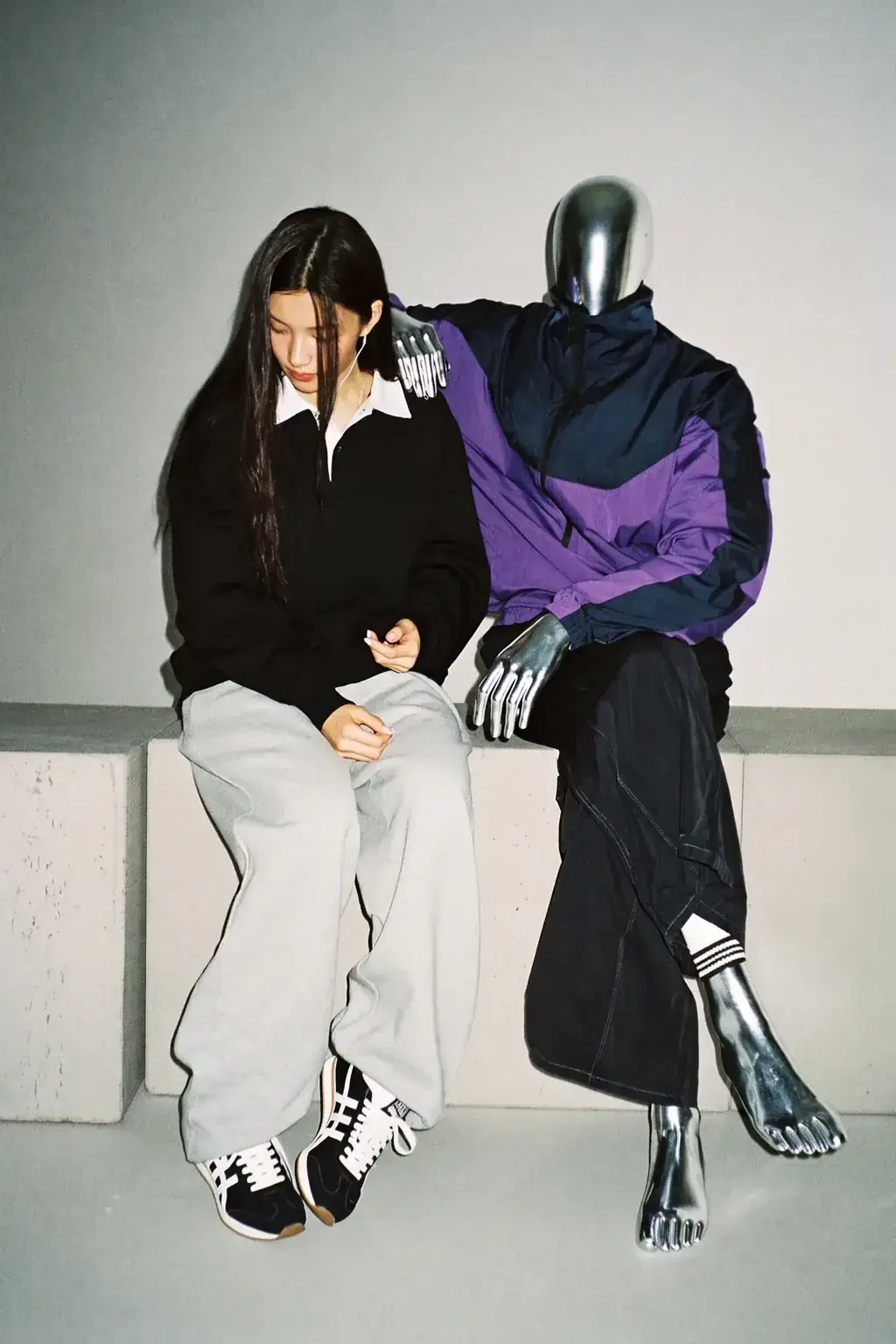
Get your finished clothes seen in photos and on social.
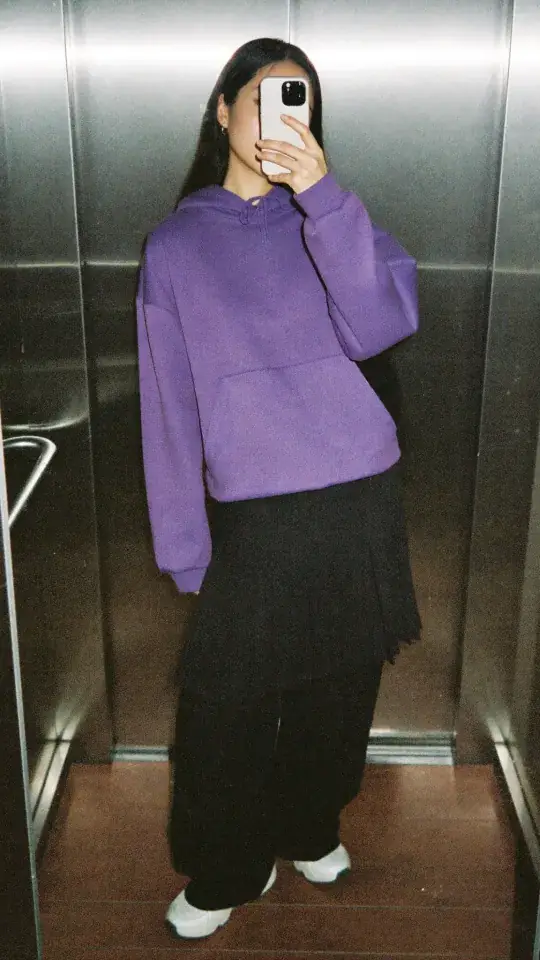
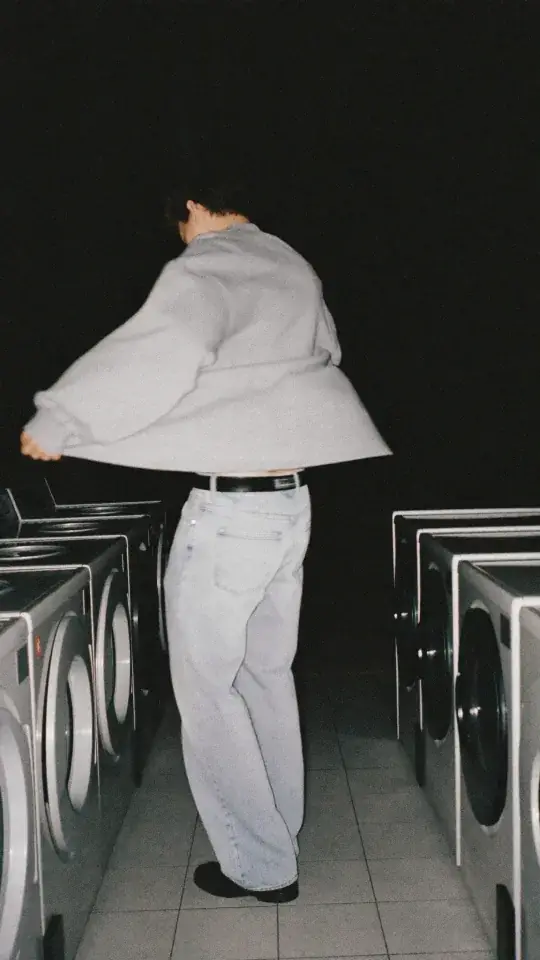
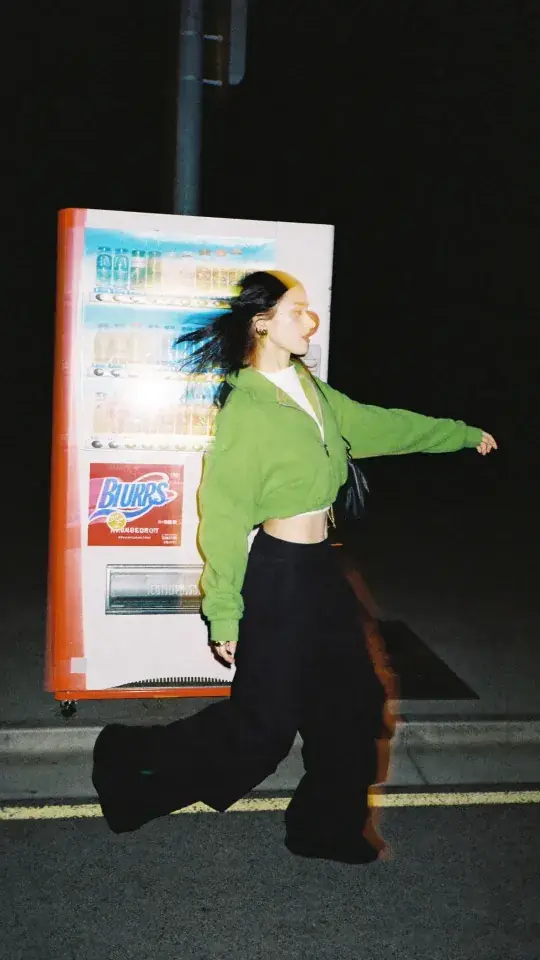
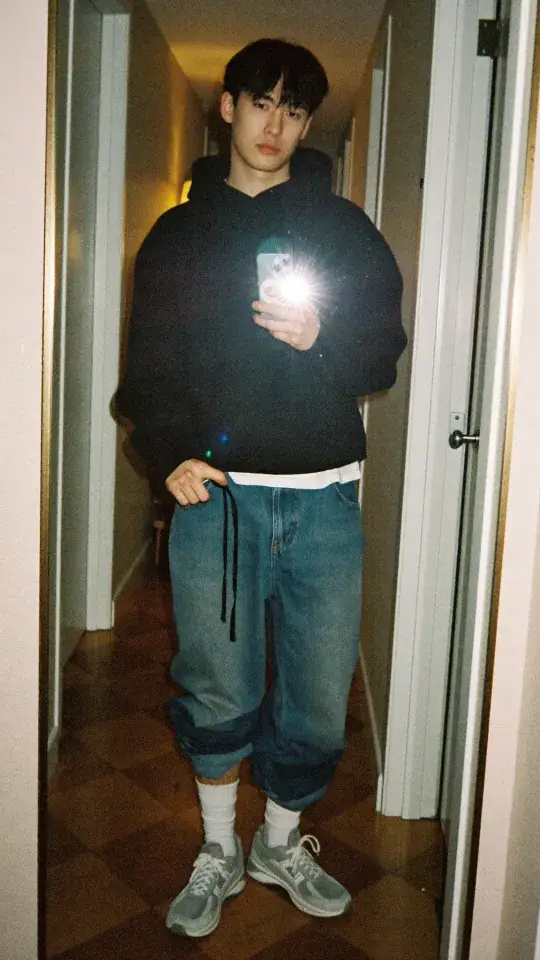
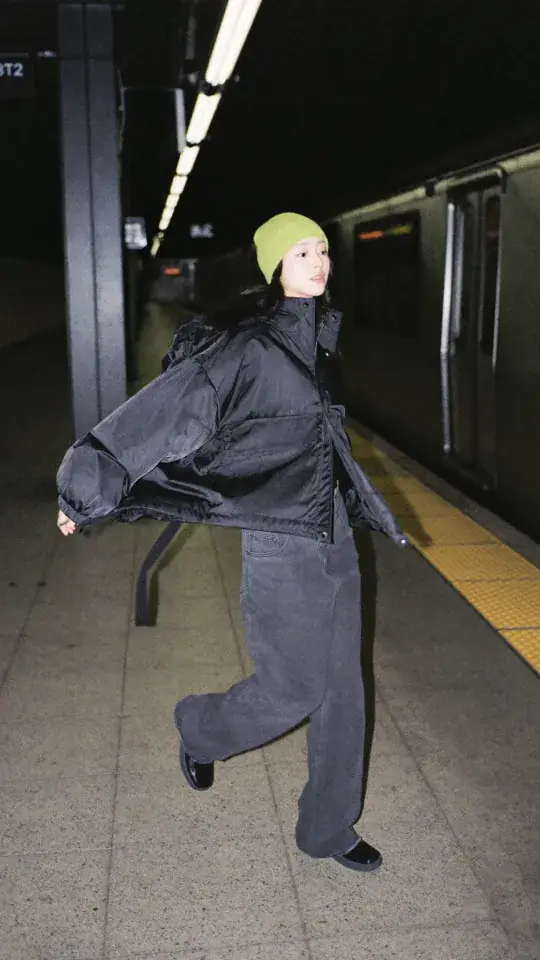
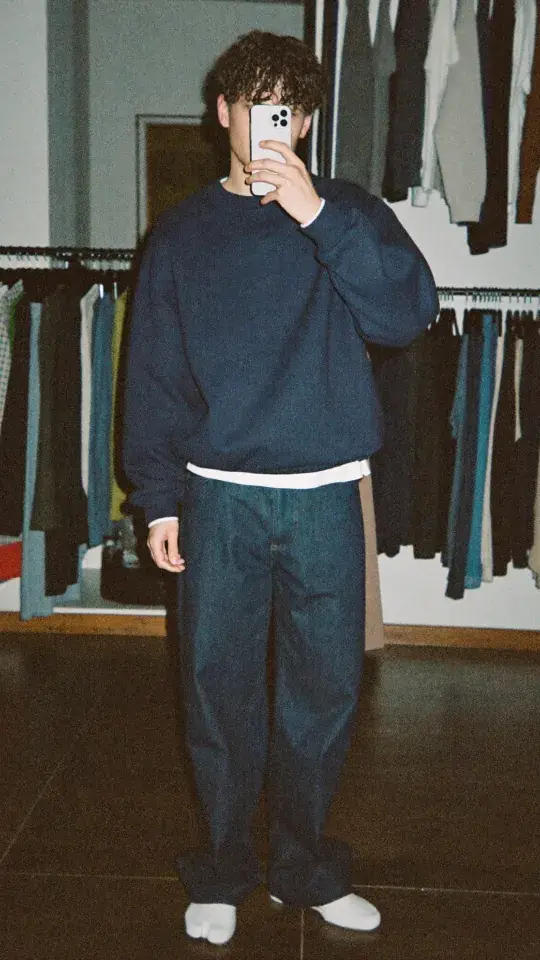
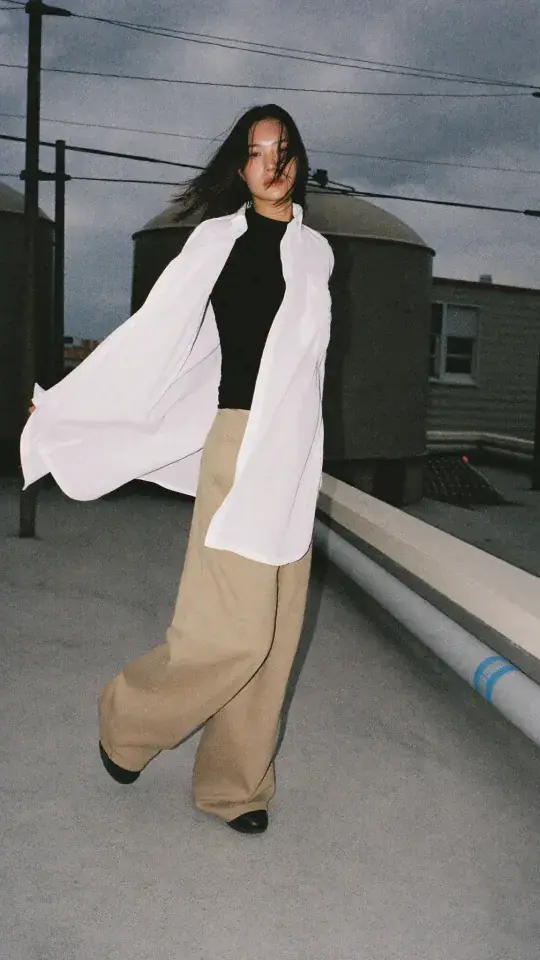
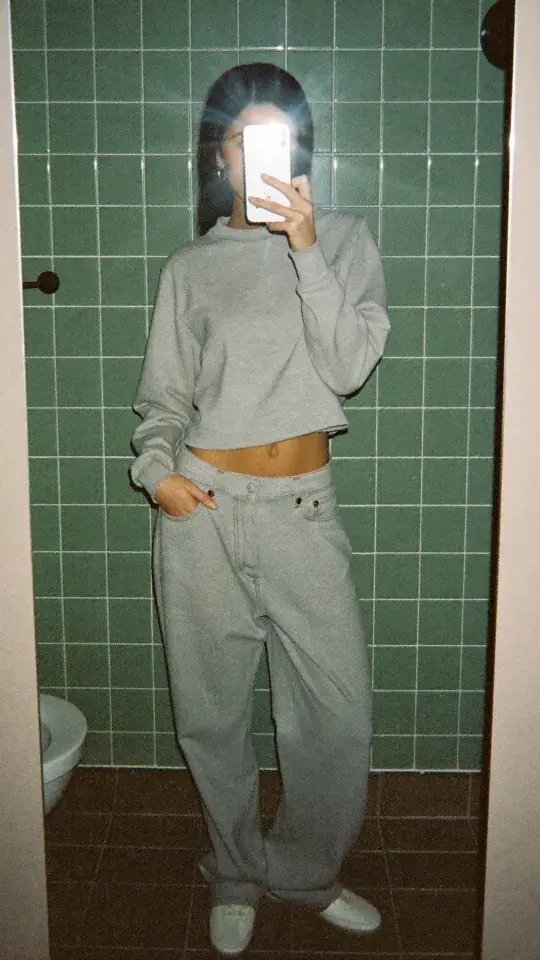
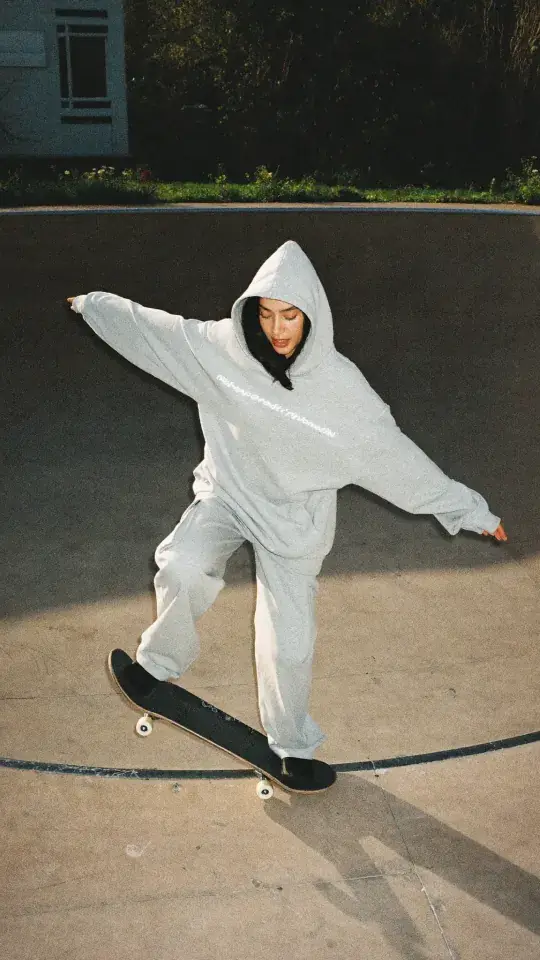
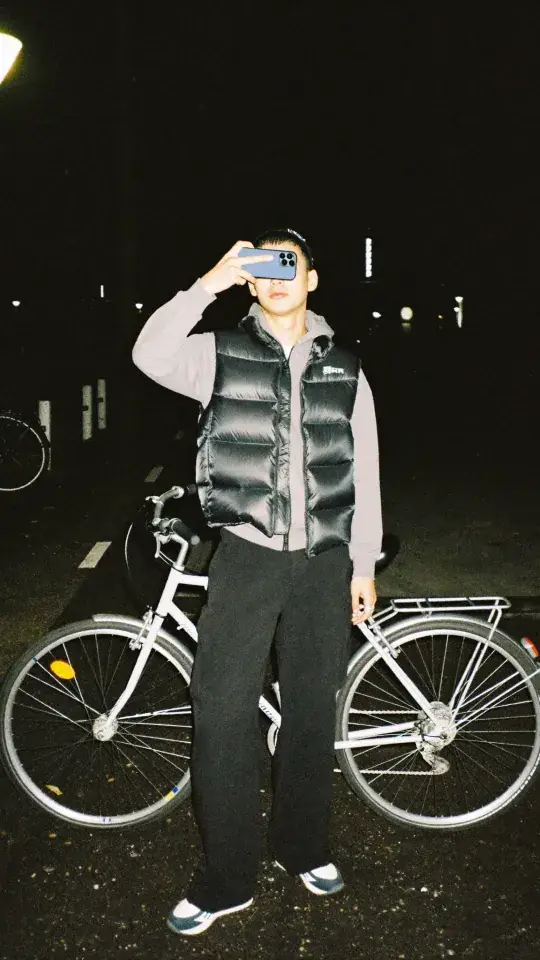
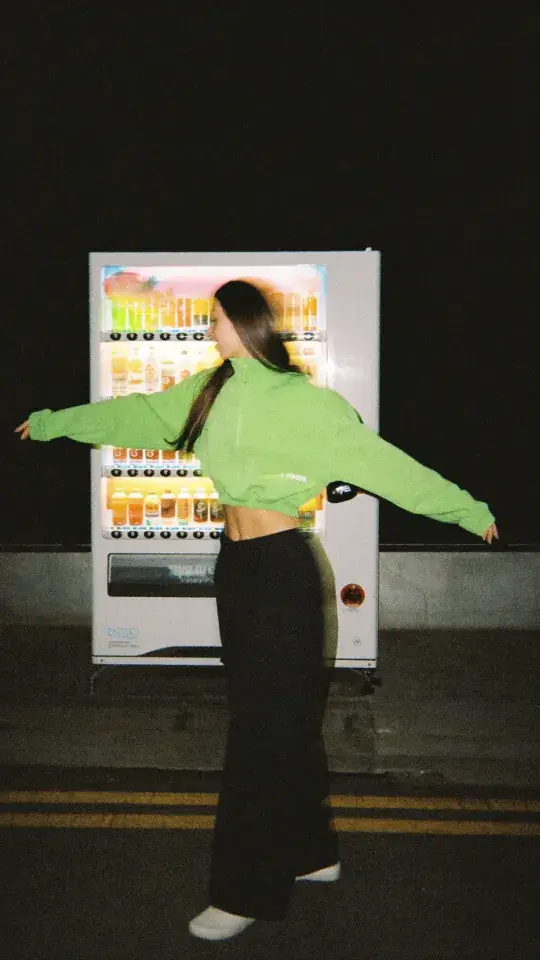
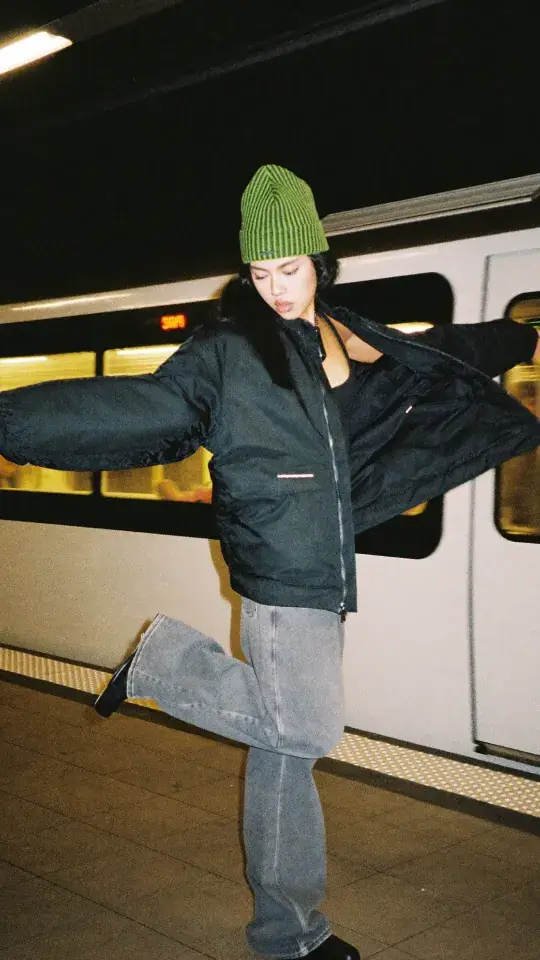
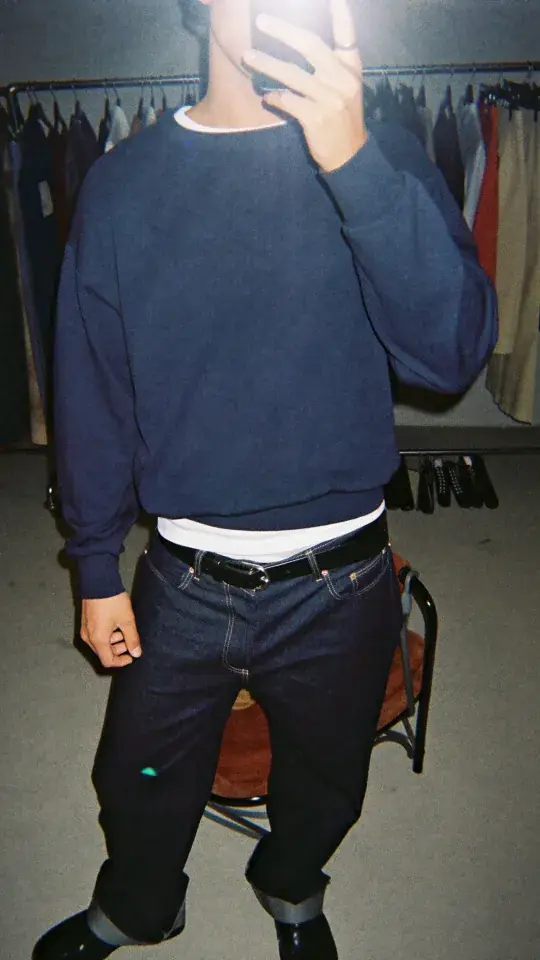
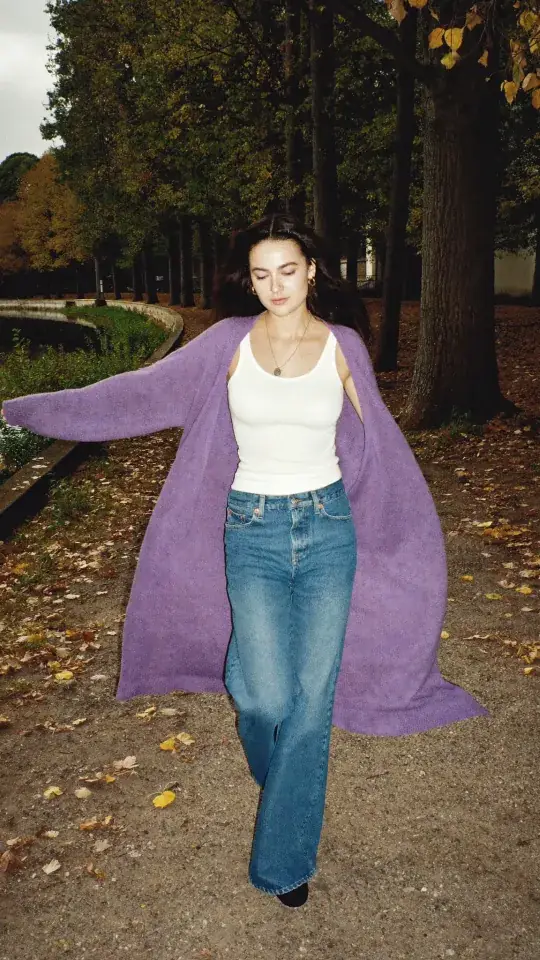
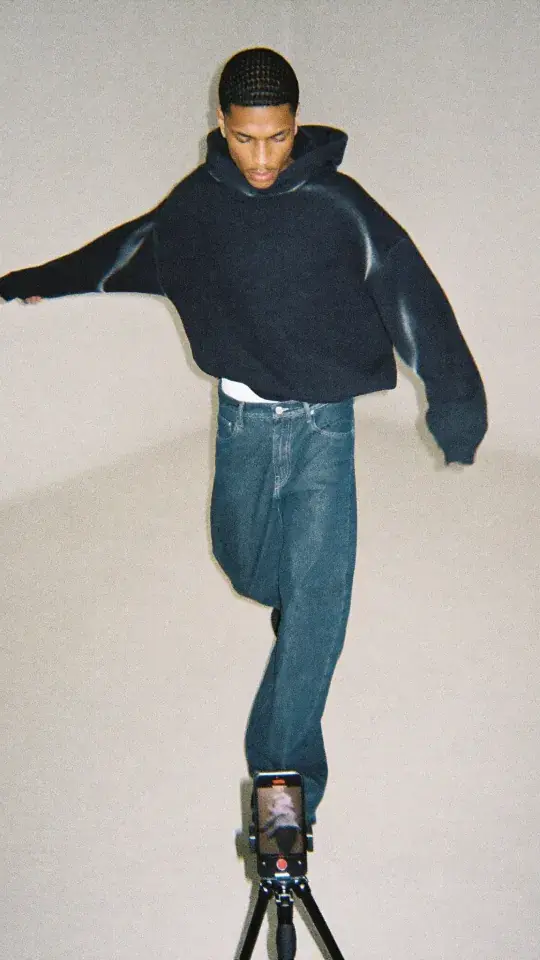
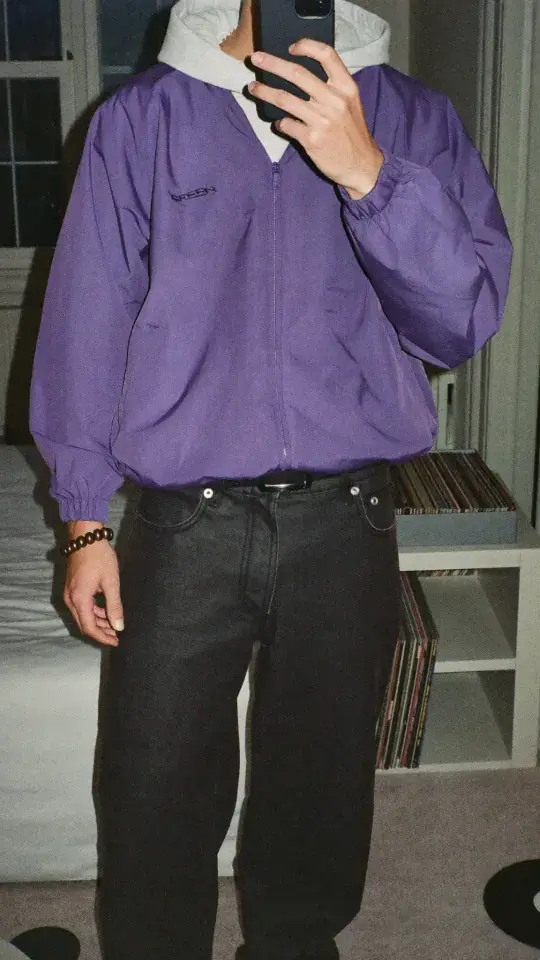
Looking for shoot or PR work as a creator? See creator jobs
- 01Three kinds of creators
- 02A campaign is just 8 choices
- 03Contact details stay private until payment
- 04Works with clothes you already have
Who you can ask:
three kinds of creators.
Choose who to ask based on the image you want to get across.
-
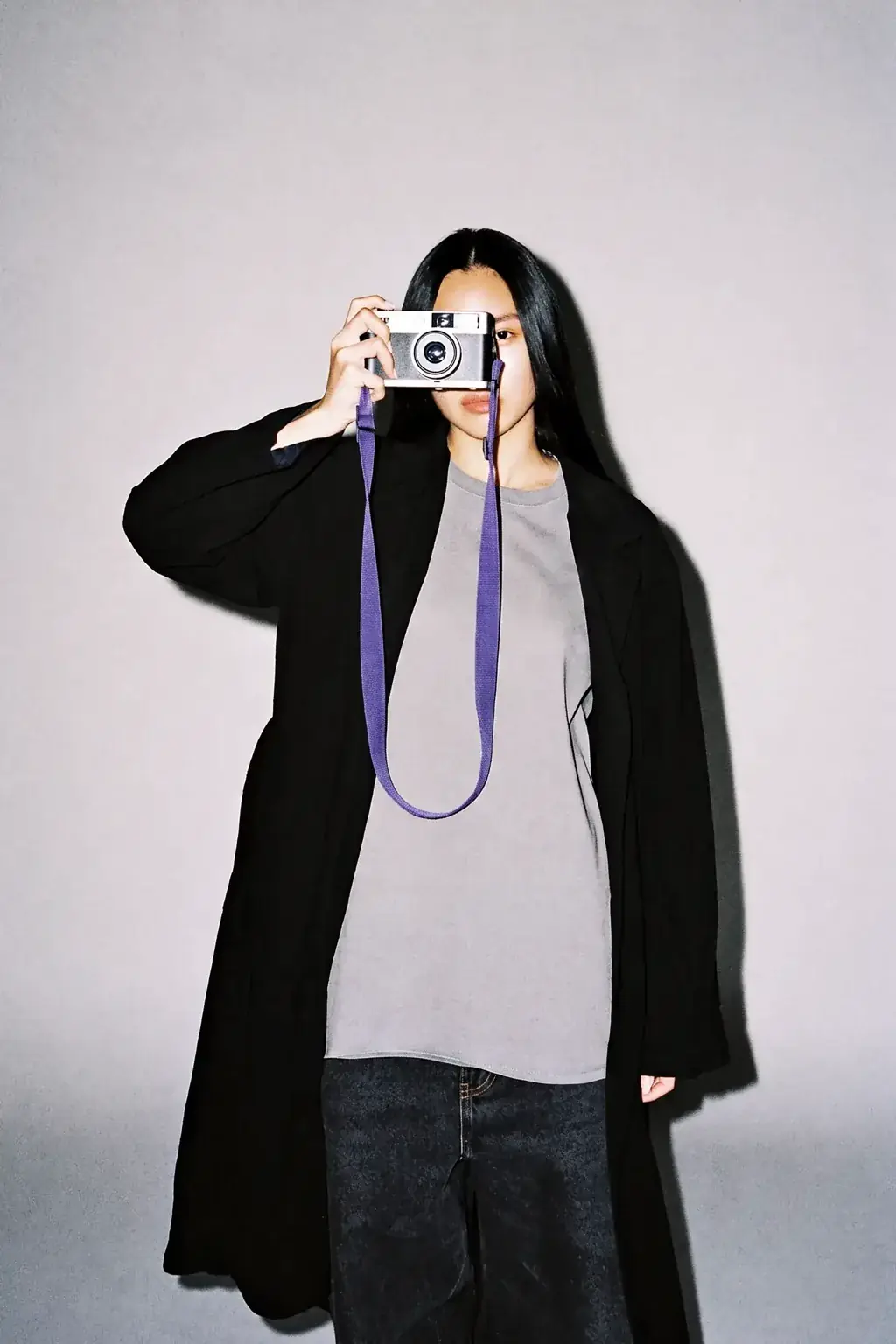
01 / PHOTOGRAPHERS
Shoot.Photographers
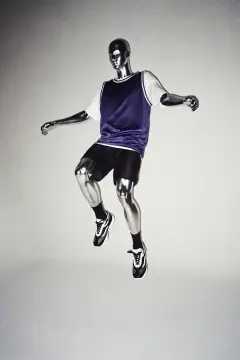
Product shots and lookbooks, photos for social and your online store.
- Product shots
- Look shots
- Photo delivery
-
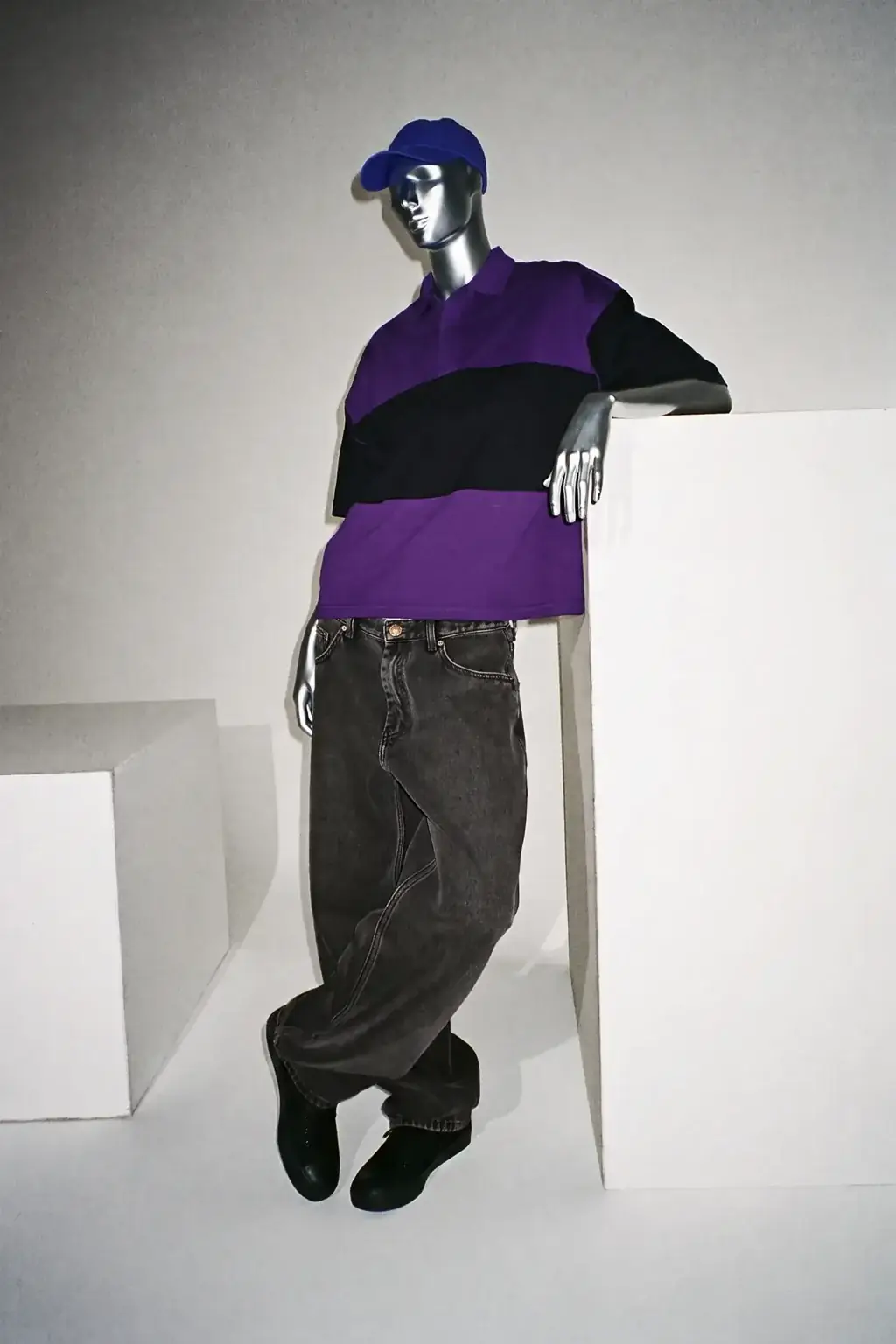
02 / MODELS
Wear.Models
Model shots that show the silhouette and how it's worn.
- Model shots
- Photo delivery
-
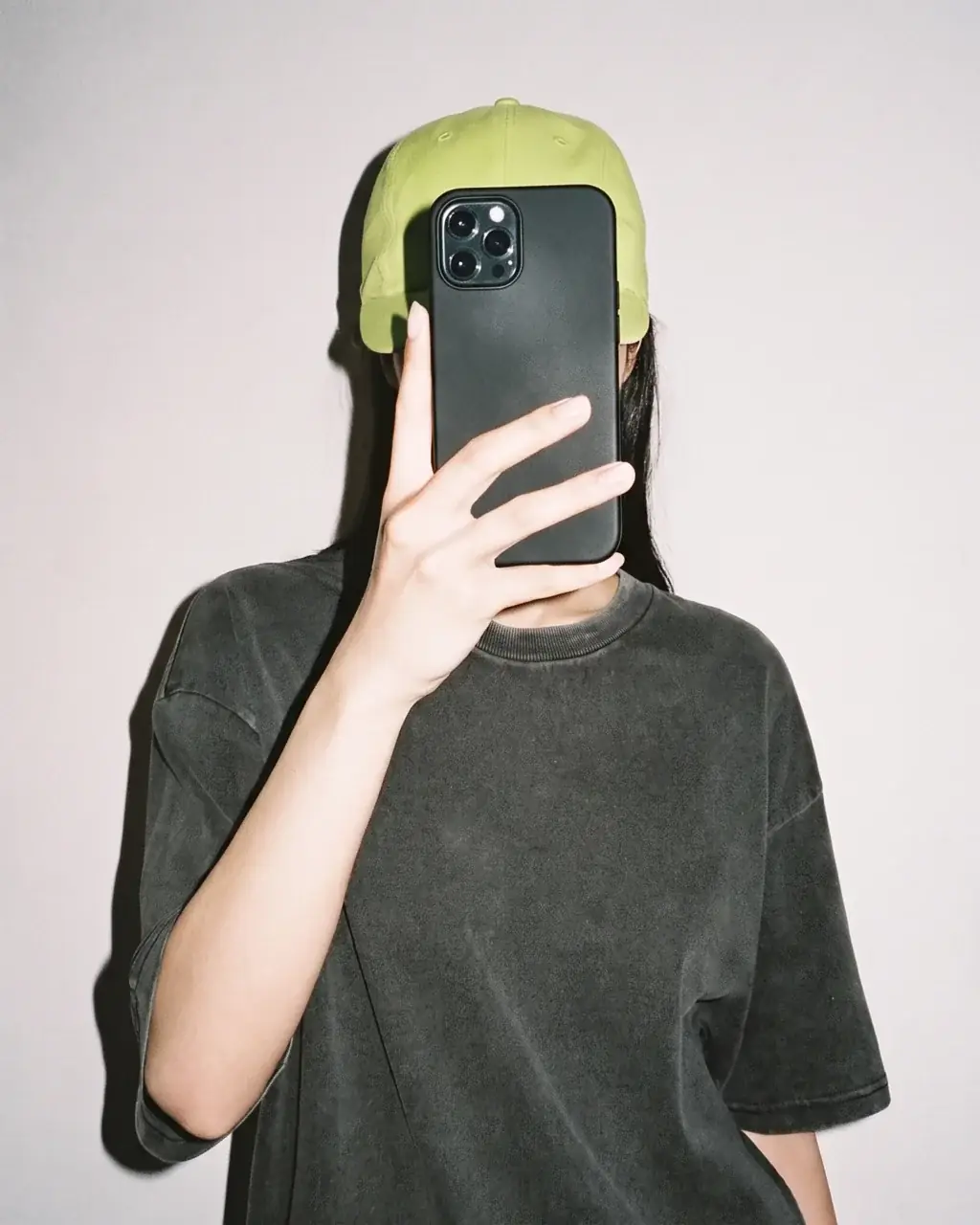
03 / INFLUENCERS
Share.Influencers
Posts that give people a reason to discover your clothes and brand.
- Feed
- Reels
- Stories
- Carousel
A campaign is just
8 choices.
Choose what you need, who you want and on what terms, and it becomes your campaign.
AWhat do you need?
- 1Campaign type
- Photoshoot
- Influencer promotion
A shoot only, or promotion on social media.
- 2Item
- Made with MAKE
- Clothes you already have
Clothes made with MAKE, or clothes you already have.
BWho do you want?
- 3Creator type
- Photographers
- Models
- Influencers
Someone to shoot, wear or share.
COn what terms?
- 4Provision
- Gifting
- Rental
With gifting the creator keeps the garment. With rental it comes back. Return terms are confirmed for each campaign.
- 5Creator fee
- Fixed amount
You set the fee when you post. Terms with applicants start from that fee, with up to three offers per application.
- 6Post requirements
- Photo delivery
- Feed
- Reels
- Stories
- Carousel
- #PR tag
Photo delivery alone is fine. For social posts, you can require a #PR tag.
- 7Plan
- Single
- Ongoing
Single is one request to one creator. Ongoing means working with several creators over time.
- 8Application deadline
- Pick a date
The last day you accept applications.
From campaign to delivery,
all in the app.
Publishing, choosing creators, payment and receiving the work all happen on one screen.
-
Set the job, the clothes, the fee and the deadline, then publish.
-
Look at their work and profile, then approve, make an offer or decline. Once you agree on terms, pay by card.
-
After payment, contact details are shared and the shoot or post begins. Check the work, mark it complete and review each other.
Safe, even on
your first request.
-
Agree first, then start
Work starts once you both agree on the job, the deliverables and the fee.
-
Contact details private until payment
Contact details are shared only after payment is confirmed. Until then, you agree terms through approvals and offers.
-
Complete after you check
Receive the photos or post URLs and mark the job complete after you check them. For rentals, the return of the clothes is recorded too.
-
Review each other
When a job is complete, the brand and creator review each other. It helps you choose who to ask next.
Terms of use
- Eligible clothes
- Clothes produced with MAKE and clothes you already have. Clothes you already have carry a higher fee than clothes made with MAKE.
- Getting started
- Available to brand accounts. Accounts are reviewed; apply from the sign-in screen.
- Fees
- Photoshoot and PR fees are separate from the cost of making the clothes.
- How fees are set
- You set a fixed amount for each campaign.
- Using the work
- What is delivered and how it can be used are agreed when you make the request.
No clothes yet?
Start with MAKE.
Clothes made with MAKE get a lower Showroom fee. You can start by making your own original pieces.
Get started See MAKESHOWROOM: frequently asked questions.
Who can I ask?
Photographers, models and influencers. You choose who to ask when you create a campaign.
What do I receive from a photoshoot or PR?
Product photos, model photos, PR post URLs and more, depending on the request. What is delivered and how it can be used are agreed when you make the request.
Do photoshoots and PR cost extra?
Yes. Photoshoots and PR are requested and paid for separately from production. You agree on the job, deliverables and fee before requesting.
Do I get the clothes back?
You choose when you create the campaign. With gifting there is no return; with rental the creator returns them after the shoot or post. Return terms are confirmed for each campaign.
Can I talk to creators directly?
Once you agree on terms and payment is complete, contact details are shared. Before payment they stay private, and you agree terms through approvals and offers.
Can I use clothes not made with Stitchify?
Yes. They carry a higher fee than clothes made with MAKE. When you create a campaign, enter the product name, type and quantity, and confirm you hold the rights needed to show and provide it.
Are creators vetted?
Roles, profiles and track records are self-reported and not verified by Stitchify. Look at their work and profile when choosing who to ask.
Is selling included?
Selling happens through your brand's own channels. Stitchify handles production, and Showroom connects you with photoshoot and PR requests. We don't guarantee sales or volume.
Get the clothes you made
to the people you want to reach.
Showroom is available to brand accounts. No clothes yet? Start with MAKE.